
WordPress Emergency Support: What to Do When Your Site Fails
A blank white screen is a nightmare for your business. One minute you are checking sales, and the next, your entire website is gone. For most owners, this is a full-scale emergency. It stops your revenue and kills customer trust. If your site is down, you need WordPress Emergency Support immediately to get back online. You cannot afford to wait. Every second your site is offline, you are losing money and reputation.
Some businesses lose $5,000 in a single afternoon because of one bad plugin update. You might spend hours trying to fix it yourself. However, every minute you play detective is a minute your competitors are winning. Your website is not a DIY project when it is on life support. In 2026, smart leaders don’t do everything themselves. They know who to call when things break.
The real issue is often “technical debt.” This happens when you do not maintain your site over a long time. Errors like the “White Screen of Death” are usually symptoms of deeper problems. These include plugin conflicts, outdated themes, or low server memory. A single misplaced semicolon should not sideline a thriving business. It is frustrating to feel like your hard work is hidden behind a technical wall.
The stress of a site failure often leads to hasty decisions that make the problem worse. It is common to feel a sense of panic when your marketing campaign stops dead because of a corrupted file. Instead of guessing and risking more damage, it helps to understand the mechanics of how a site breaks. This knowledge shifts the focus from panic to a clear plan of action. To get your site back, you must follow a logical path that moves from the symptoms to the cure.
Diagnostic First Aid: Steps to Take Right Now
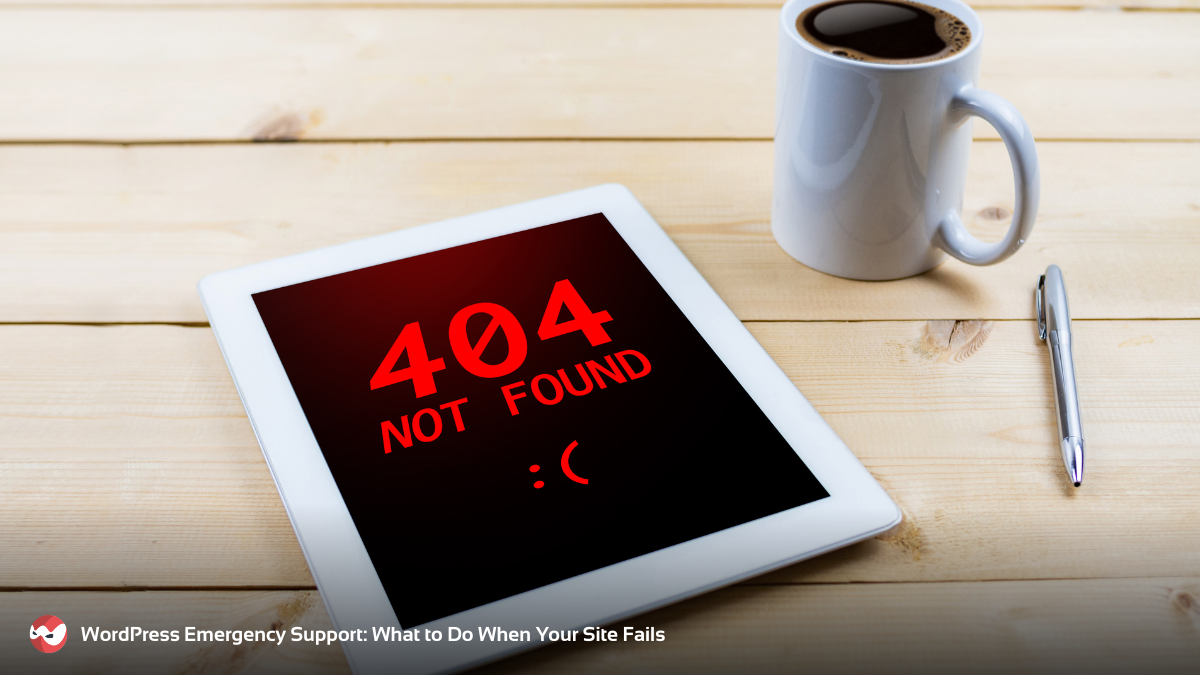
Do not panic-delete your files. Start with the basics. First, check the type of failure. Is the site completely blank, or do you see a specific error code? A “500 Internal Server Error” usually means a server problem. A “404 Error” means a page is missing. Knowing the code helps you find the right WordPress emergency support solution.
If you can still log in to the backend, clear your cache right away. Old data causes many display issues. This is the simplest fix and works more often than you might think. If you are totally locked out, the problem is likely a “conflict.” This happens when two pieces of code fight each other. You may need to use File Transfer Protocol (FTP) to access your server. By renaming your plugins”folder to plugins_old, you turn off all plugins at once. If the site comes back, you know a plugin was the culprit.
The Recovery Plan: Five Steps to Total Stability
Restoring a site requires a disciplined approach. You cannot just poke around in the files and hope for the best. Here is a deeper look at a five-step recovery plan that ensures your site comes back stronger than before.
1. Secure a Full Backup
Before you touch a single line of code, you must save what is left. Even a broken site has valuable data. Use your hosting control panel to create a full backup of your files and your database. If you make a mistake during the repair, you can at least return to this starting point. Never skip this step. Without a backup, a small mistake can turn a temporary outage into a permanent loss of your entire business history.
2. Isolate the Variable
A WordPress site is like a car with many parts. To find the broken part, you must isolate it. Turn on “WP_DEBUG” mode in your wp-config.php file. This is a special setting that tells WordPress to stop hiding errors. Instead of a blank screen, the site will show you text that points to a specific file and a specific line of code. This is like a map that leads you directly to the source of the “smoke.” There are also separate scanning tools you can use to maintain the security of your WordPress site.
3. Audit Your Environment
Sometimes the problem isn’t your code; it is your “house.” WordPress needs a certain amount of power to run. This is called PHP Memory. If your site has grown but your server settings are still small, the site will crash. You can increase this limit in your settings. Additionally, check your PHP version. If your server is running an old version of PHP from five years ago, modern WordPress tools will fail to work.
4. Clean and Restore
Once you find the bad file, you must fix it. If it is a plugin, delete it and reinstall a fresh copy. If it is a core WordPress file that got corrupted, you can replace it with a new one from the official WordPress website. This “clean sweep” method ensures that no hidden bugs remain in the system. After the site is visible again, check every page to make sure the layout looks correct.
5. Fortify for the Future
Fixing the current error is only half the battle. You must stop the next crash before it starts. This involves setting up an automated security wall. Use a firewall to block bad actors and hackers. Also, set up an uptime monitor. This is a tool that pings your site every minute. If the site goes down, it sends you a text message immediately. This way, you can act before your customers even notice a problem.
Why the Stakes Are Higher in 2026
In the current digital landscape, a down site is more than a temporary glitch. We are now in the age of AI-driven search. Search engines and AI bots scan the web constantly to find the best answers for users. This is known as topical authority. If an AI engine tries to visit your site and finds it broken, it will stop citing you as a trusted source.
Once you lose your spot in the AI knowledge graph, it is very hard to get back. A site that fails often is seen as unreliable. This means your rankings will drop, and your traffic will dry up. Success in 2026 means being open for business 24/7/365. Failure means fading into digital irrelevance while your data is potentially at risk.
Reliable WordPress emergency support ensures that you don’t just fix a bug. It ensures that your business stays visible to the machines and the people who need your services. When your site is healthy, it acts as a silent salesperson that never sleeps. When it breaks, that salesperson is gone.
Local Help for a Global Presence
While the internet connects us all, local context still matters when a crisis hits. You want a team that understands your market and your urgency. Whether you need fast WordPress repair in Los Angeles or emergency help in Chicago, the goal is the same: speed and precision.
Modern businesses cannot survive on DIY fixes when a site is on life support. You need a guide who has walked these technical trenches before. By moving your site out of the shadows and back into the light, you can stop worrying about code and start focusing on the work that actually changes the world. Your site should be a tool for growth, not a source of stress.