
WordPress Support

What Should the Width of Boxed WordPress Pages Be
Designing a WordPress site requires careful attention to layout, and choosing the correct width for a box layout is essential. A boxed layout provides a ...
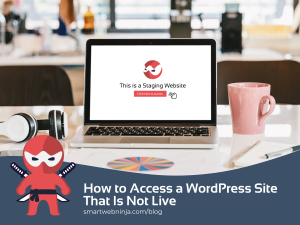
How to Access a WordPress Site That Is Not Live
Many website owners and developers find themselves needing to access a WordPress site that is not live. Whether you're testing new themes, making updates, or ...

How to Add Slideshows or GIFs to WordPress
Adding slideshows or GIFs to a WordPress site can make content more engaging and visually appealing. With WordPress, there are flexible ways to incorporate these ...

Where Can I Customize the Password Reset Page for WordPress
Customizing the password reset page for WordPress can help align it with the overall design of your website, enhancing user experience and boosting brand coherence. ...
How to Archive a WordPress Site
Archiving a WordPress site can be essential for many users, whether it’s for preserving content, closing a project, or starting fresh. The process on how ...

How to Disable Auto Excerpt on WordPress
WordPress users often seek more control over how their content is presented. One common concern is the auto excerpt feature, which briefly summarizes the first ...

How Can I Uninstall Local WordPress
When working with local WordPress installations, knowing how to uninstall them can be essential for managing space and resources effectively. To uninstall Local WordPress, remove the ...
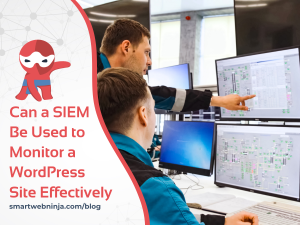
Can a SIEM Be Used to Monitor a WordPress Site Effectively
Monitoring a WordPress site is crucial for maintaining its security and integrity. A SIEM can indeed be used to monitor a WordPress site, offering a comprehensive ...
How to Access WordPress Admin with a Fatal Error Warning
Encountering a fatal error while trying to access the WordPress admin can be frustrating, especially when you need quick access to your site. This error ...

How to Check WordPress Form Submission in Dashboard
How to check WordPress form submission in dashboard is essential for anyone managing online forms. The easiest way to view submissions is by navigating to ...
- « Previous
- 1
- 2
- 3
- 4
- Next »